

1
Install
Install LAN Send on your Windows PC and Android device.
LAN Send transfers files, text and clipboard content directly between your Android phone and Windows PC over your local Wi-Fi network.
Windows app now available on Microsoft Store · Android closed testing live
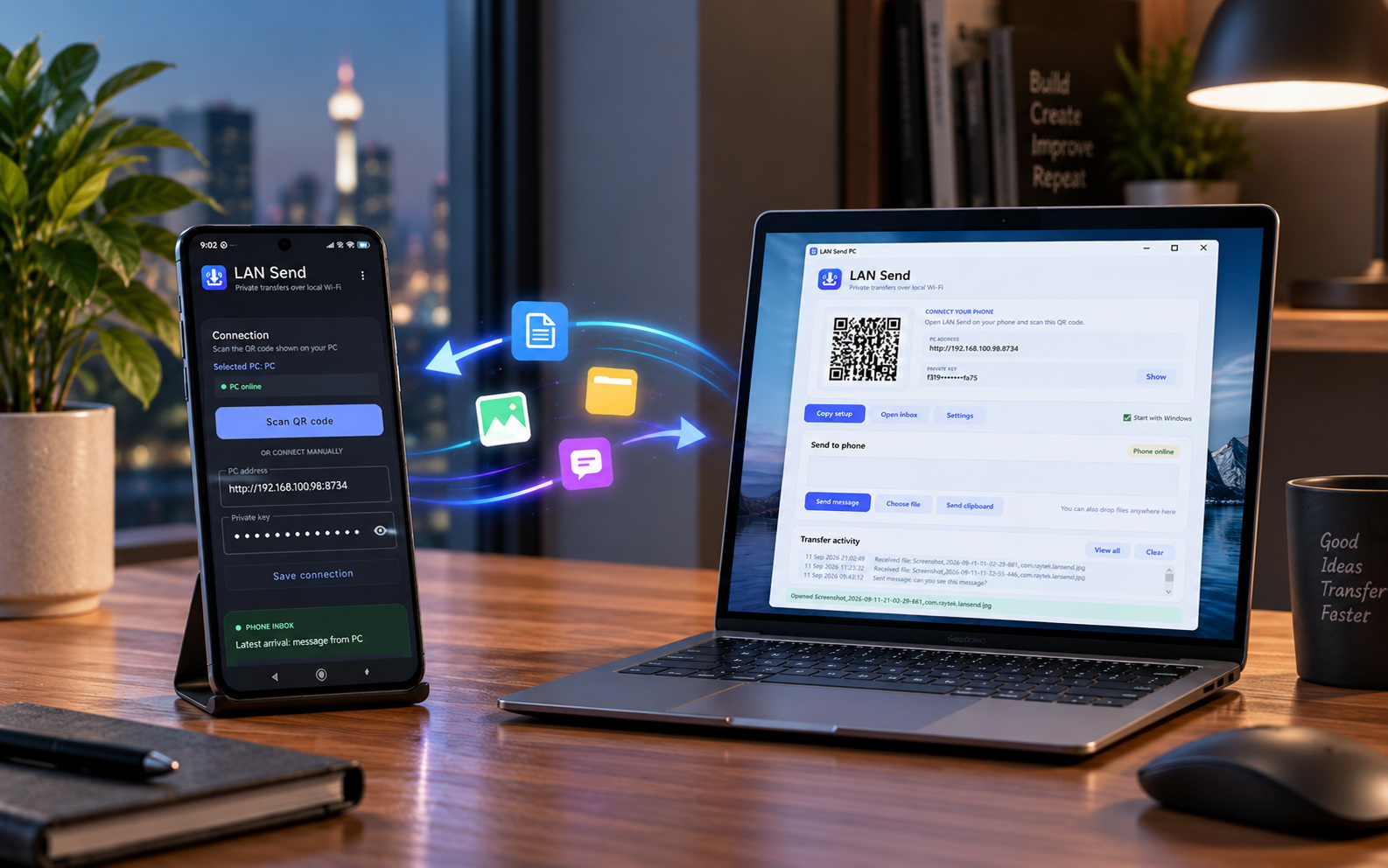
lansend-website-hero.pngLAN Send's Android closed test is now live. Join the tester Google Group first, then opt in to the Google Play test using the same Google account.
Use the same Google account for both steps. After opting in, Google Play will provide the install link.
A quick walkthrough of pairing, sending files and text, transfer progress and the Android ↔ Windows workflow.
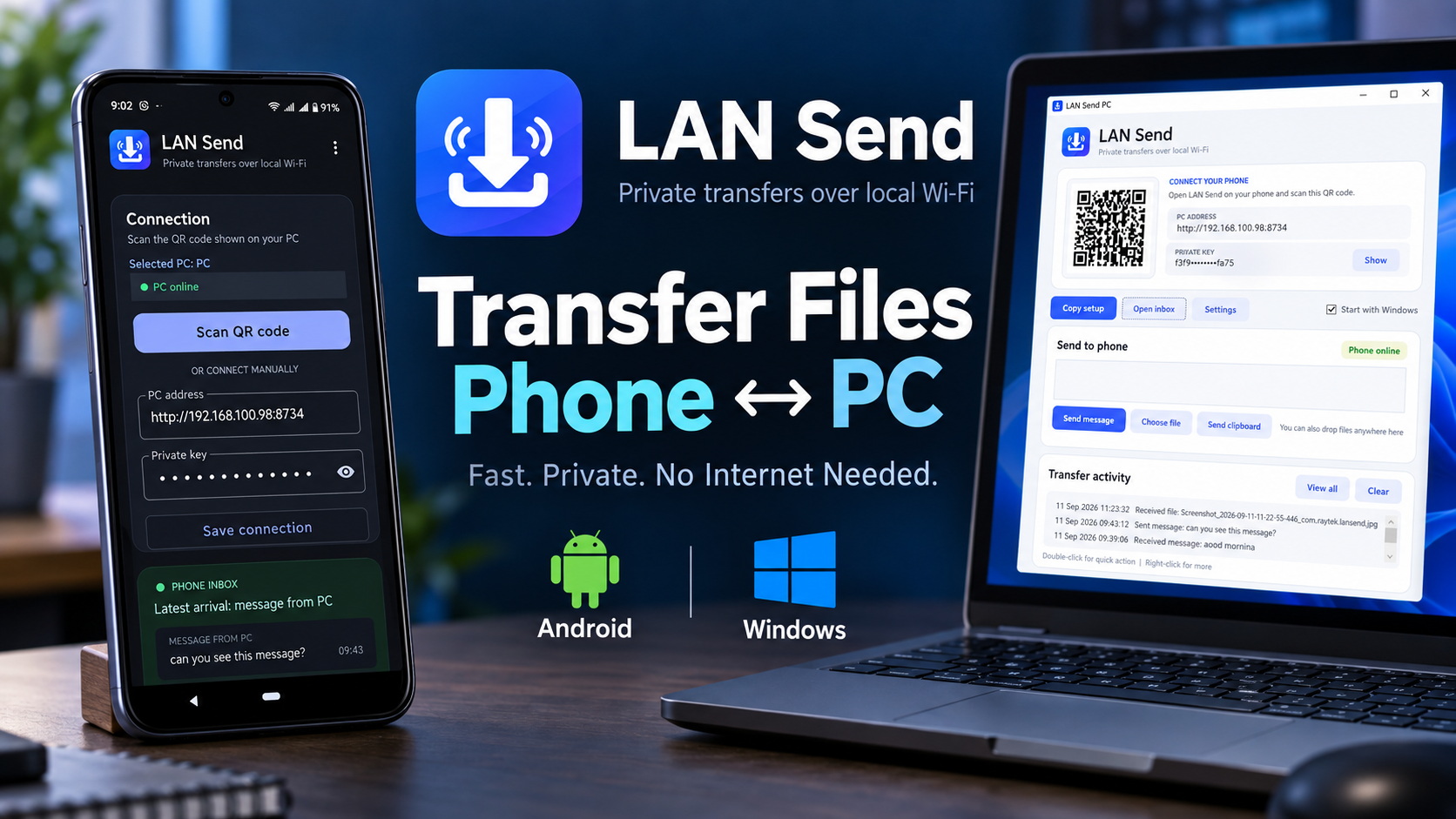 LAN Send demoClick to watch the walkthrough
Watch on YouTube
LAN Send demoClick to watch the walkthrough
Watch on YouTube
No accounts to create. Put both devices on the same local network, scan the QR code and start transferring.
Install LAN Send on your Windows PC and Android device.
Open LAN Send on Windows and scan its QR code from Android.
Move files, text and clipboard content in either direction.
See how LAN Send works across Android and Windows — pair your devices, send files and text, and manage transfers in just a few taps.
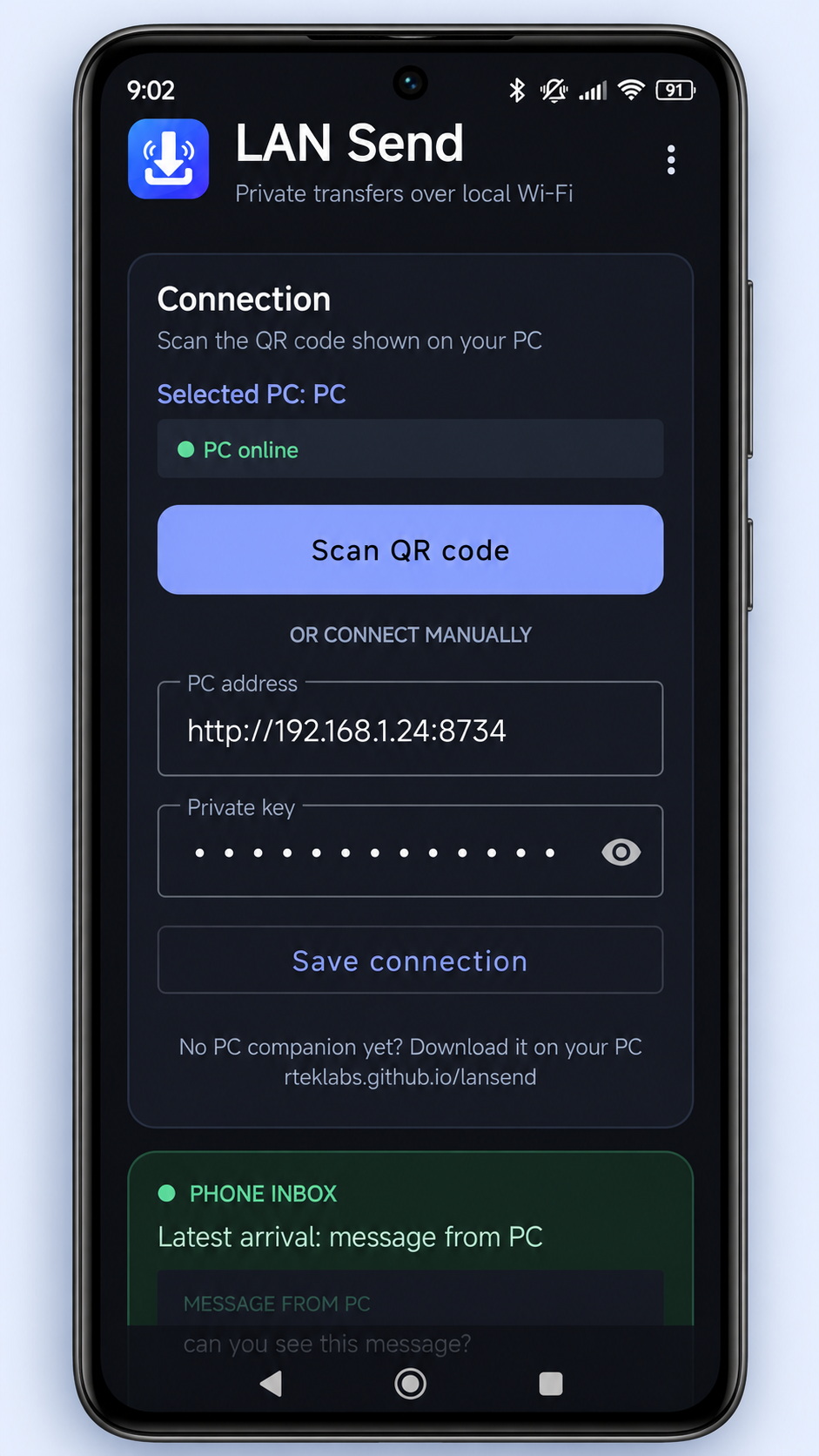
android-home.png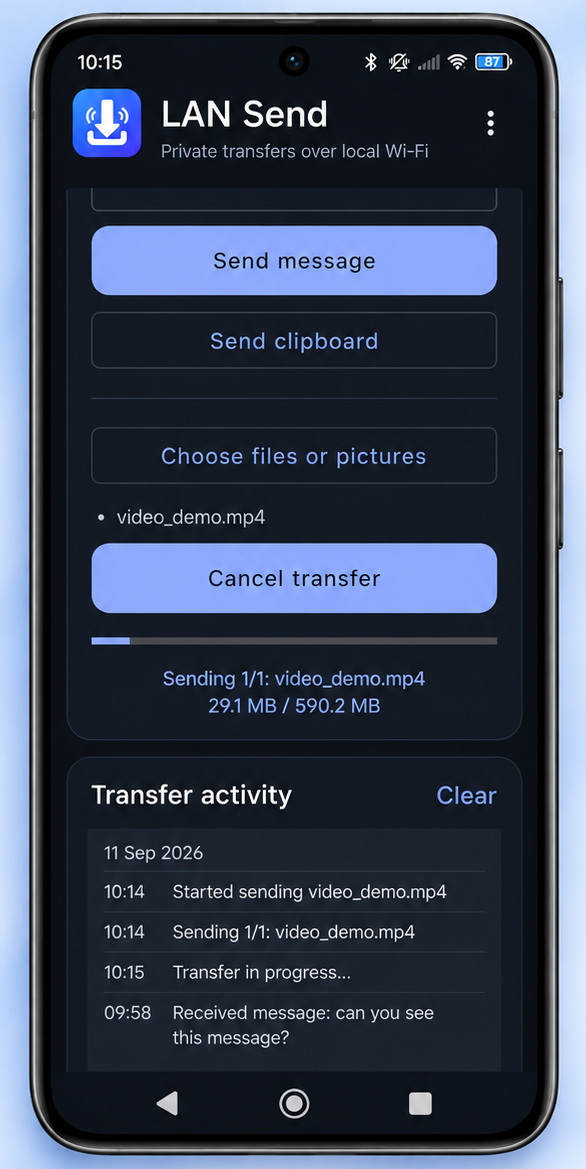
android-send.png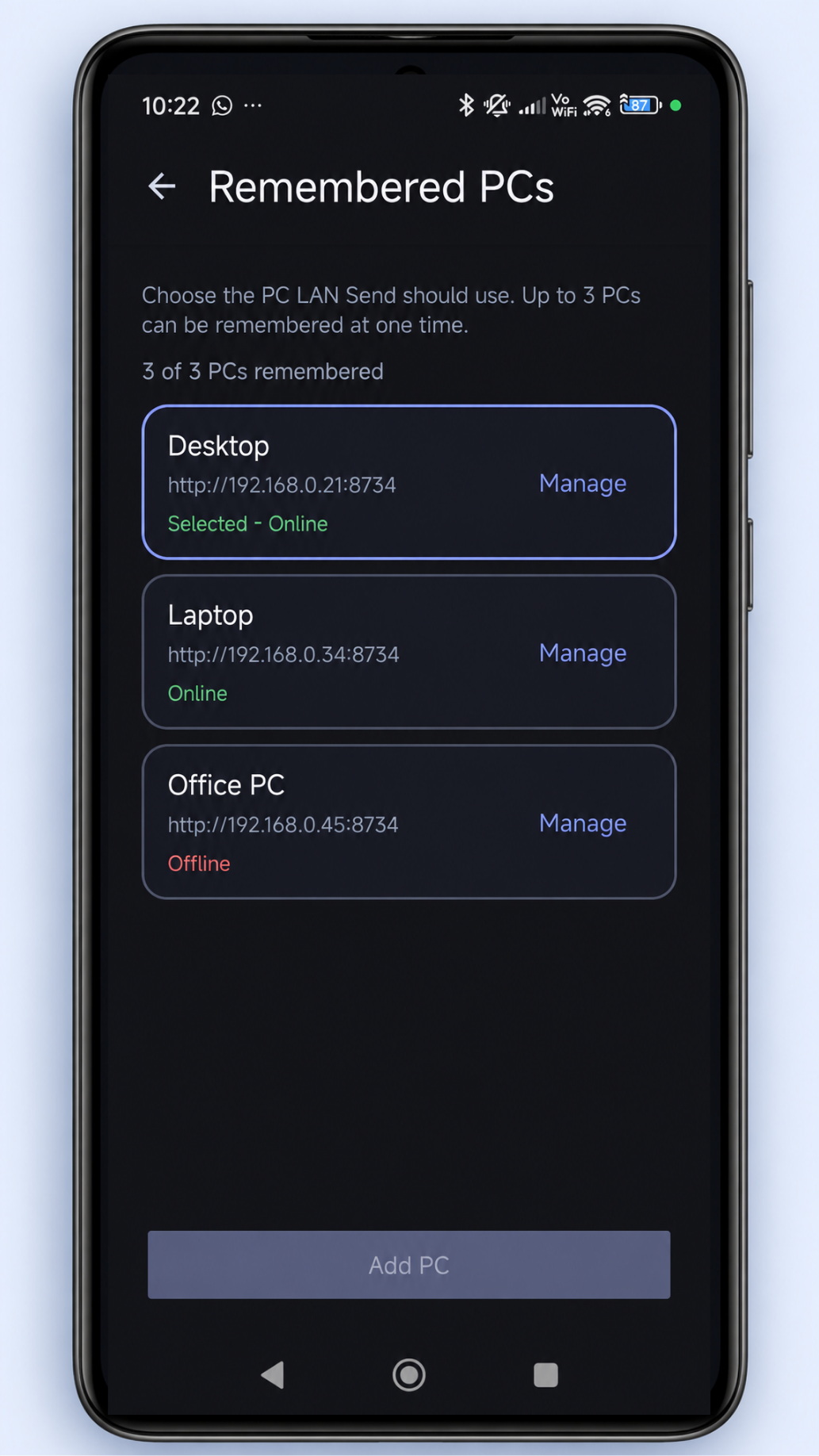
android-pairing.png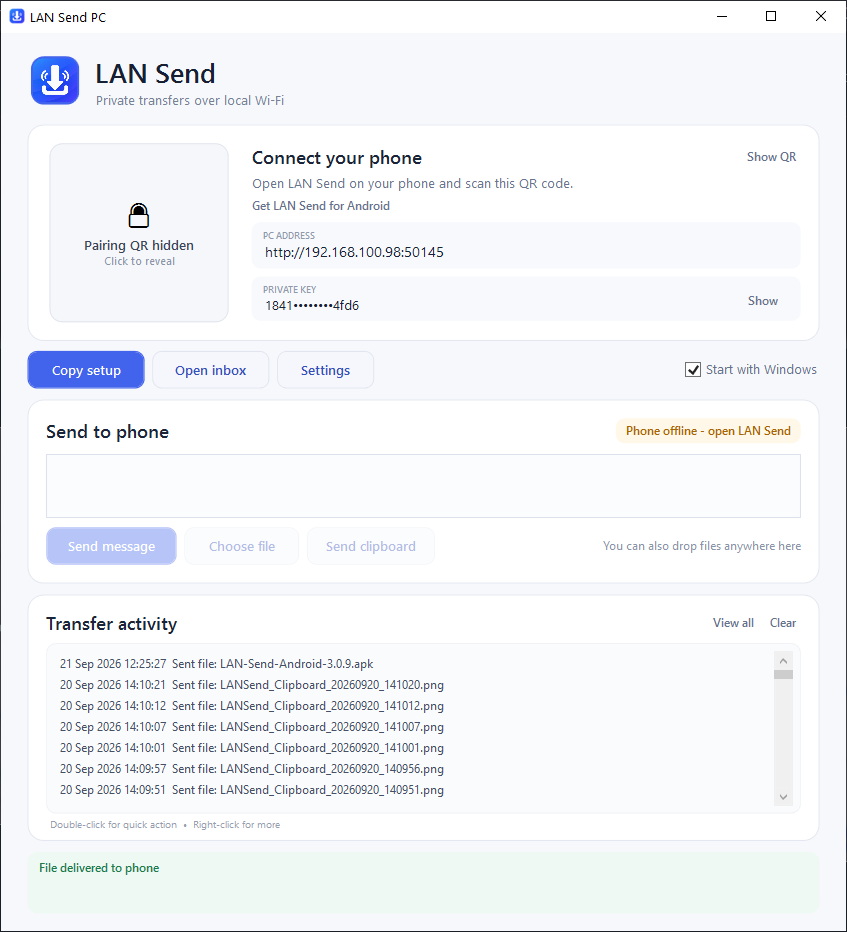
windows-main.png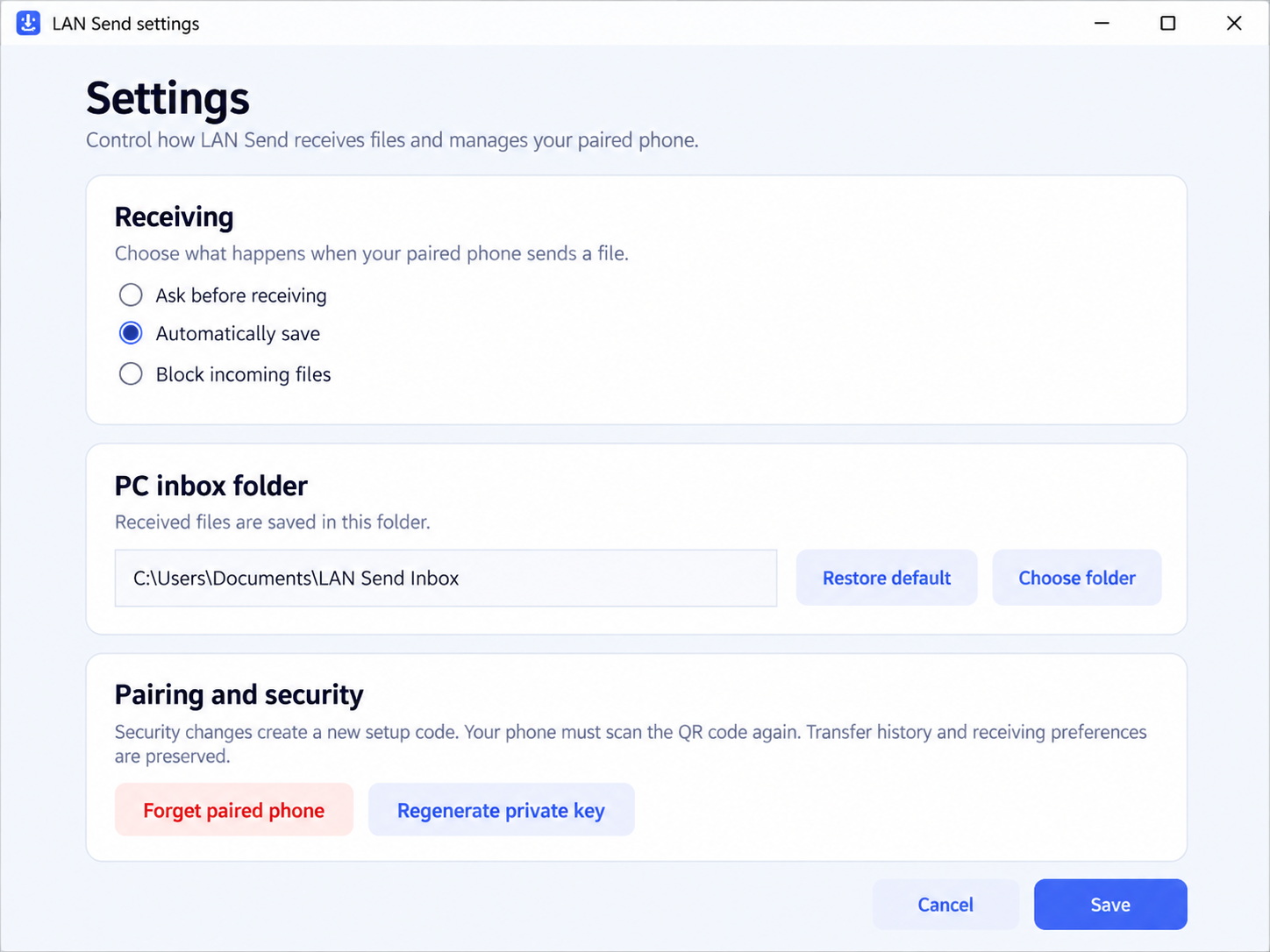
windows-settings.pngSend from Android to Windows or Windows to Android, including multiple and large files.
Move notes, links and clipboard content between paired devices.
RTEK Labs does not operate a cloud server that stores your transferred content.
Keep paired PCs available, reconnect after network changes and review recent transfer activity.
The Getting Started page covers installation, QR pairing, sending in both directions and common fixes.
Open Getting Started